
Four ways to connect. Zero hassle.
Your camera, your phone, your browser, or a Google Drive folder - Pixload ingests photos through whichever fits your shoot. With FTP, pro bodies send straight to us with nothing to install.
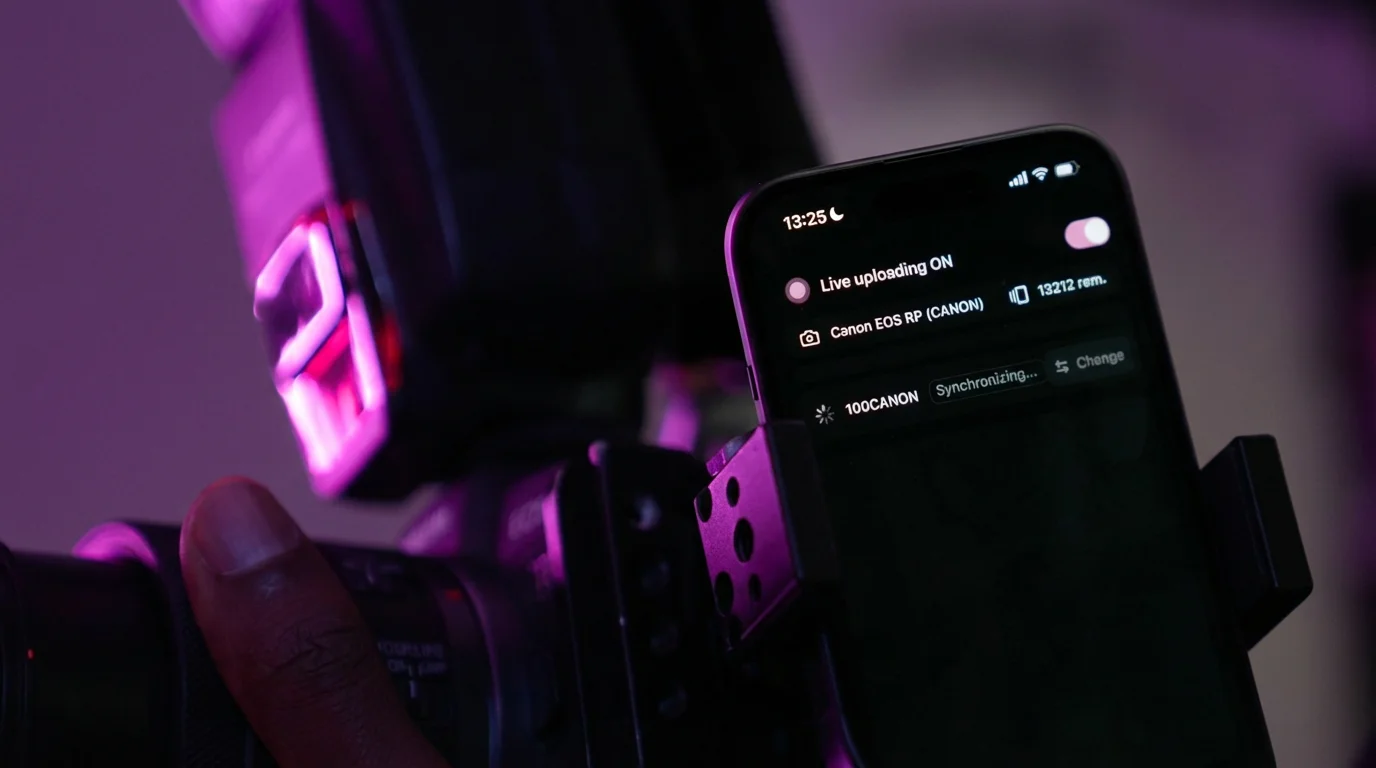
Pick your workflow
Four ingest modes, one pipeline. Switch any time.
FTP: your camera uploads on its own.
Once it's set up, every photo lands on your dashboard 15 to 45 seconds after the shutter. You don't touch a thing.
Activate it in your dashboard
Account -> FTP -> Activate. Pixload generates your username and password in one click.
Set 5 fields on your camera
Server, port, username, password, folder - straight into your camera's built-in FTP menu.
Shoot. That's it.
Each JPEG is sent automatically in the background while you keep shooting.
What you'll enter on your camera
- Server
- ftp.pixload.app
- Port
- 21 (FTPS)
- Username & password
- Generated in your dashboard
Your JPEGs upload live. Your RAW files stay on the card for post-production.
Cameras with built-in FTP
- Sony A7 IV, A7 V, FX3
- Canon R6 Mark II, R5 Mark II
- Nikon Z8, Z9
...and most pro / semi-pro bodies with FTP since 2015. Not sure about yours? Ask us and we'll confirm.
Why photographers trust it
Nothing to install
Pro and semi-pro bodies have FTP built in. No app, no accessory, no firmware.
Drops? No lost photos.
If WiFi or 4G stutters, your camera retries on its own. Built-in dedup means zero duplicates and zero loss.
Real-time delivery
Photos appear on your dashboard in 15-45 seconds - not at the end of the day.
Yours to manage
See your credentials, switch the target event, or reset your password anytime - all self-service.
Google Drive: drop them in, we pull them.
Perfect when your photos already live on Google Drive: a second shooter, a contractor, or your camera's auto-backup. You share the folder, Pixload handles the rest.
Share your folder
In Google Drive, share your folder read-only with import@pixload.io.
Paste the link into Pixload
On your event, paste the folder link. We test it and show you a preview of the photos we found.
It's synced
JPEGs (root and direct subfolders) are imported automatically, every minute. Or run an instant import with a live progress bar.
Built for peace of mind
Nothing to install
No plugin, no key, no access to your whole Drive. You share a single folder, read-only, and cut it off whenever you want.
Zero duplicates
Every photo is recognised by its fingerprint. Re-importing the same folder never adds the same image twice.
Auto or instant
Let the sync run on its own, or trigger a one-click import with live progress from the dashboard.
Yours to manage
Pause, resume, or disconnect a folder anytime. Photos already imported stay put.
No internet? No problem.
If the network drops, nothing is lost. Your camera (FTP) or the app retries on its own, and uploads resume automatically the moment signal returns.
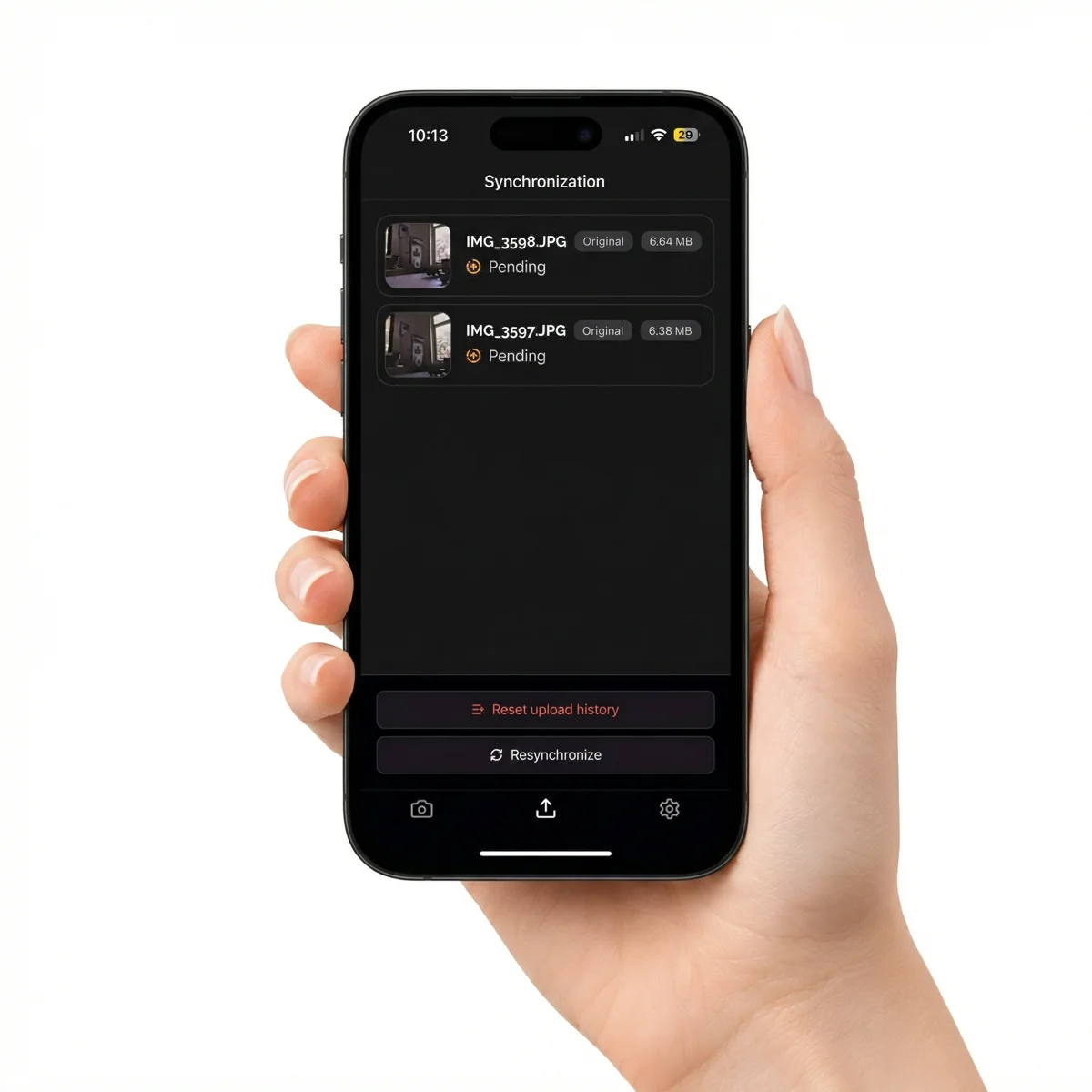
Which mode is for me?
Your body has built-in FTP -> use FTP.
No FTP on your camera -> App over USB-C.
Uploading after the shoot -> Web drag & drop.
Your photos already live on Google Drive -> share the folder.